

Updated: September 2026 · By the KKeyQik Team
Your buyers are searching YouTube right now for answers you could give — “how to,” “best way to,” “what does it cost to fix” — and finding your competitors instead. Video SEO is how you take those spots: the discipline of making your videos discoverable in YouTube search and Google’s video results, so they keep sending you prospects for years after filming. (It’s one of the seven components in our guide to video marketing services for small business — and the most compounding work in video marketing.)
Video SEO is the practice of optimizing videos and the pages they live on to rank in YouTube search and Google’s video results. It covers keyword research for video queries, titles and descriptions written for both algorithms and humans, chapters and transcripts that help search engines understand content, thumbnails that earn clicks, and schema markup plus smart embeds on your website. Done right, a single video becomes a durable asset — ranking, getting watched, and generating inquiries long after the filming day is forgotten.
Key takeaways
- Target queries with clear video intent — how-tos, demonstrations, comparisons, and local “near me” searches — not broad topics a blog post would serve better.
- The title carries the most ranking weight: front-load the keyword, keep it under 60 characters, and write it for the human scanning results.
- Chapters, transcripts, and descriptions are how algorithms understand your video. Upload a video with no description and you’ve published a book with no title page.
- Embed every video on a matching page of your website with VideoObject schema — the embed plus schema is what wins Google’s video results, not YouTube alone.
- Watch-through rate and click-through rate are the metrics that predict rankings. Optimize the thumbnail and the first 30 seconds before anything else.
Start With Keyword Research for Video
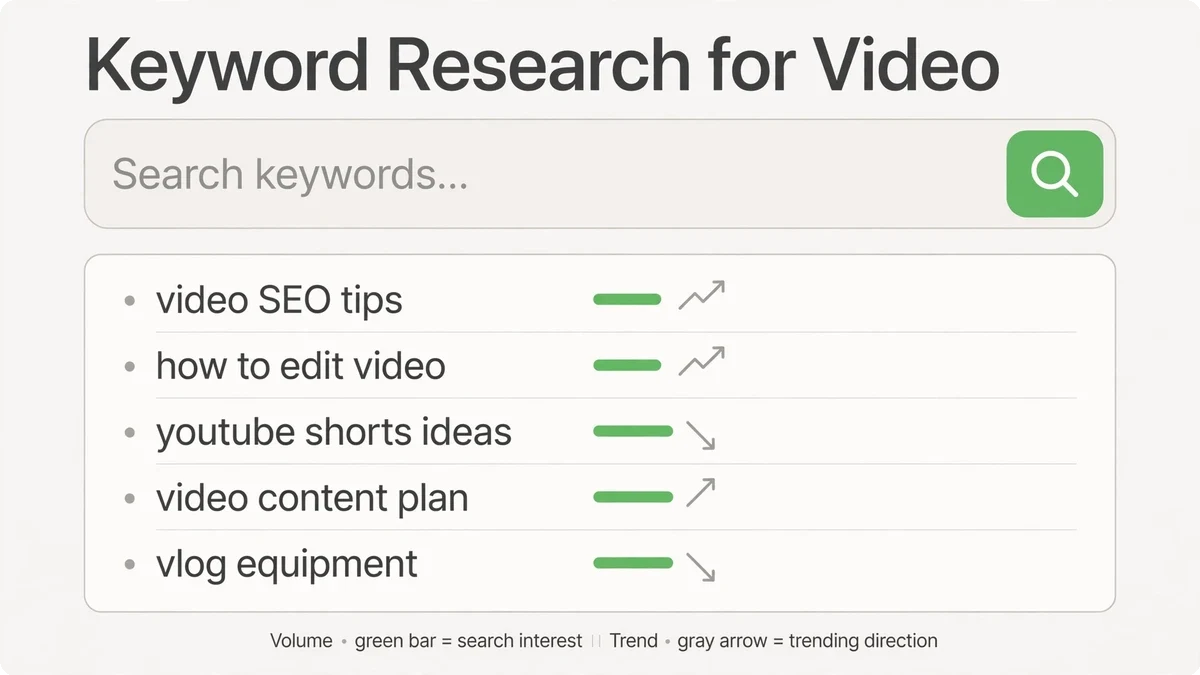
Video keyword research differs from regular SEO: you’re hunting queries where searchers want to watch, not read. Google tells you which those are — if a query shows video results or a video carousel, that’s video intent, and a well-made video can take that real estate from text pages.
Where to find them: YouTube’s autocomplete (type your service + “how,” “best,” “vs,” “cost”), the “People also ask” boxes on Google for your service queries, your own customer questions (every “how do I…” is a video keyword), and YouTube Studio’s search analytics once your channel is running. Prioritize queries where the current top videos are weak — poor audio, outdated, no real expert on camera. That’s an open lane, and small businesses walk through open lanes every day.
One strategic note: don’t target giant generic keywords (“plumbing tips”) — target specific buyer queries (“how to shut off water to a water heater”). Specific queries have less competition, higher intent, and viewers who are closer to hiring. Ten videos ranking for ten specific queries beats one video lost on page nine for a giant one.
Titles, Descriptions, and Tags That Rank
| Element | What to do | Common mistake |
|---|---|---|
| Title | Front-load the exact keyword; under 60 characters; add a curiosity or benefit tail | Clever titles nobody searches (“Our Journey Continues!”) |
| Description | First 2 lines summarize with the keyword (visible in results); then chapters, links, and a full summary below | Empty descriptions or one copied sentence |
| Chapters | Timestamp every section (0:00 Intro…); chapter titles include secondary keywords | No chapters — Google can’t feature what it can’t segment |
| Transcript/captions | Upload accurate captions; the transcript is indexable text about your topic | Auto-captions left uncorrected with wrong terms |
| Tags | A handful of relevant phrases; low weight, but costs nothing | Thirty irrelevant tags hoping to game discovery |
The description deserves emphasis because almost everyone underuses it. Those first two lines appear in search results — they’re ad copy, not metadata. Below the fold, a real description with chapters and links does three jobs: it helps YouTube understand the video’s topic depth, it gives Google text to match against queries, and it routes viewers to your site. A blank description is the single most common video search failure we see, and the easiest to fix.
Thumbnails: The Click-Through Lever
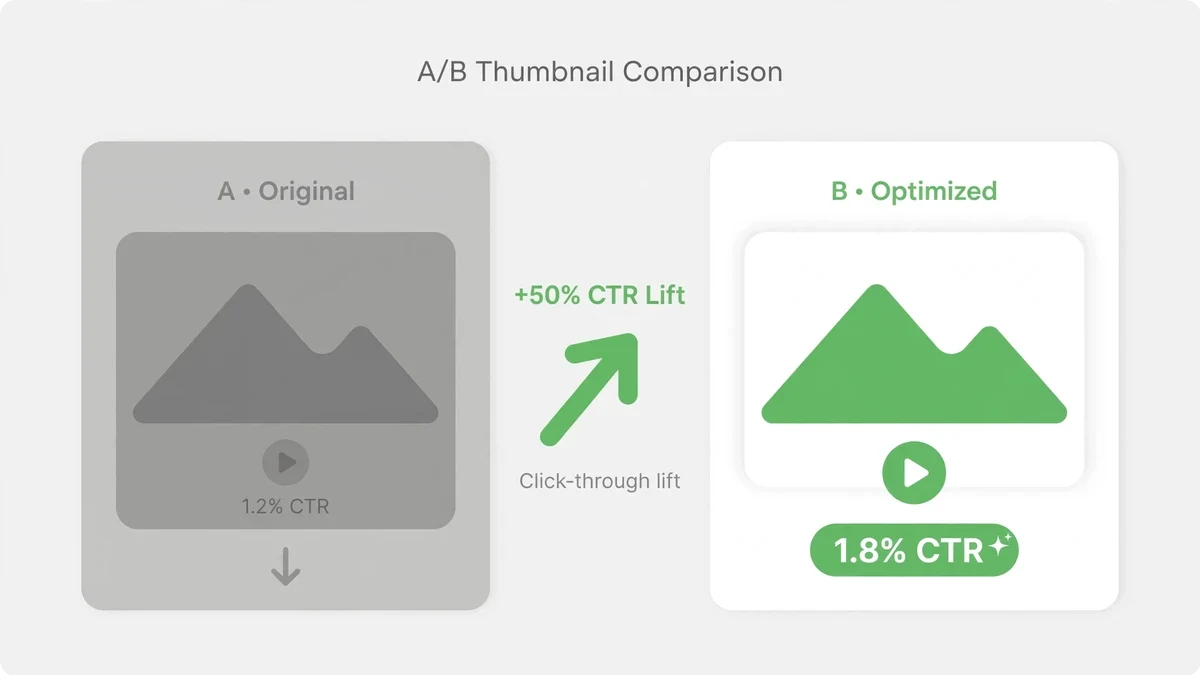
Ranking means nothing if nobody clicks. Thumbnails are your click-through rate lever, and CTR feeds back into rankings — YouTube promotes videos people choose. The formula for small business thumbnails: a clear human face showing emotion (surprise, satisfaction, concern), three to five words of large readable text, high contrast, and a visual that matches the video’s promise. Design them at small size — most viewers see thumbnails on phones, where fine detail vanishes.
Test thumbnails deliberately: for important videos, upload two options and compare CTR in YouTube Studio after a couple of weeks. Thumbnail swaps are free, take minutes, and routinely produce the biggest single improvement in a video’s performance. It’s the highest-ROI editing work in video optimization — changing one image, not reshooting anything. YouTube’s own creator guidance on thumbnails covers the specs and best practices worth knowing before you test.
The First 30 Seconds Decide Rankings
YouTube’s ranking systems watch what viewers do, and the strongest signal is retention — do people keep watching? The first 30 seconds carry disproportionate weight: state the video’s promise immediately (“By the end of this video you’ll know exactly…”), then deliver on it without preamble. No channel intros, no “before we begin, smash that subscribe button.” Every second of throat-clearing is viewers leaving, and viewers leaving is the algorithm learning your video disappoints.
Structure for retention: promise up front, deliver in clear sections (chapters help viewers navigate and stay), and use pattern interrupts — camera angle changes, on-screen text, b-roll cutaways — every 20 to 30 seconds. None of this requires fancy production. It requires respecting that the viewer’s finger is hovering over the back button for the entire video.
Your Website: Embeds + Schema Win Google
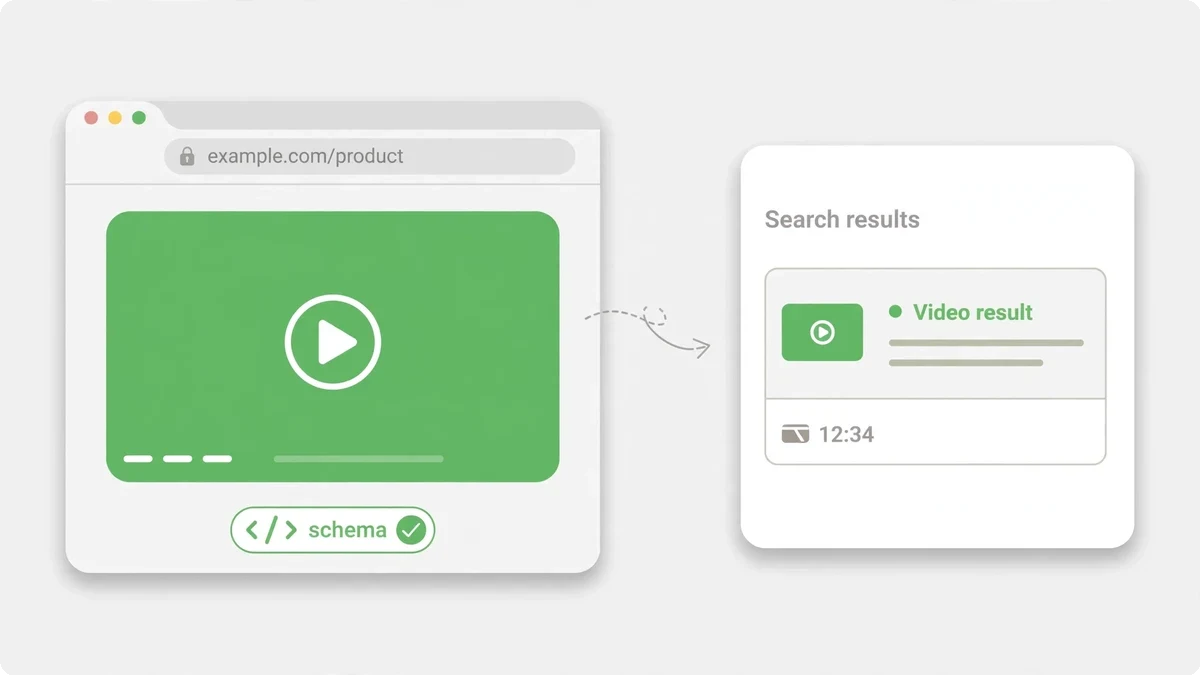
YouTube rankings are half the game. Google’s own video results — the carousels and video boxes on regular search pages — are the other half, and they’re won on your website, not on YouTube. The playbook: embed each video on a dedicated, relevant page (a how-to video belongs on a matching blog post or service page, not a generic “videos” gallery), surround it with supporting text that covers the topic, and add VideoObject schema markup with the title, description, thumbnail URL, and duration.
| Schema field | Why it matters |
|---|---|
| name and description | Tells Google exactly what the video covers — match them to the page’s topic |
| thumbnailUrl | Eligible thumbnails let Google show rich video results with images |
| uploadDate and duration | Freshness and length signals Google uses for video result features |
| transcript / captions | Full text of the video gives Google the deepest understanding of content |
This is where video compounds with regular SEO: a page with an optimized embedded video, solid text, and schema can rank in both web results and video results for the same query — two listings, one page. Competitors with text-only pages can’t follow you there. And every video embedded this way keeps working as long as the page ranks, which for good content is years. Google’s video SEO documentation details exactly how to mark up video content so search engines can feature it.
The Metrics That Predict Rankings
Forget subscriber counts and total views. The metrics that correlate with rankings: click-through rate from impressions (are people choosing your video?), average view duration and audience retention curves (are they staying?), and session behavior (does your video start or extend a viewing session?). YouTube Studio shows all of these — check the retention curve for every important video and find where viewers drop off. That timestamp is your diagnosis: whatever happens there is boring, confusing, or off-promise. Fix it in the next video.
Review monthly, not daily. Ranking video is slow — rankings build over weeks as the algorithm gathers behavior data. A video that’s flat at week two can be climbing at week eight. The businesses that win at video search publish consistently, optimize everything at upload, and let the compounding work. Patience isn’t passive here; it’s the strategy.
Ready to own search results your competitors can’t buy?
Every month you publish unoptimized video — or no video — competitors claim search real estate that gets harder to take back. The fix is systematic: keyword-targeted topics, optimized uploads, embedded pages with schema, and monthly review. Contact the KKeyQik team and tell us your market and your services. We’ll show you which video queries are winnable for your business and what the first 90 days of video search look like — from topic list to ranked videos.
Further reading: our complete guide to video marketing services for small business — the six video types, distribution, and ROI measurement.
About the KKeyQik Team
KKeyQik is a digital marketing agency helping small businesses grow with SEO, social media marketing, PPC (Google Ads and Meta Ads), web development, video editing, and graphic design. The KKeyQik Team publishes practical, no-fluff guides for business owners who want marketing that drives measurable growth.
Video SEO Strategy: Putting It All Together for 2026
A winning video SEO strategy connects every tactic in this guide into a repeatable workflow. Start with video SEO keyword research to find queries with clear video intent, then create videos that match those queries better than anything currently ranking. Optimize each video’s title, description, chapters, and tags for video SEO, upload an accurate transcript, and design a thumbnail built for clicks. Embed the video on a matching page of your website with VideoObject schema to capture Google’s video results alongside your YouTube rankings.
This integrated video SEO approach — YouTube optimization plus website embeds plus schema — is how small businesses outrank larger competitors who treat video as an afterthought. For official guidance on how YouTube search and discovery work, see YouTube’s resources on getting discovered and Google’s documentation on video SEO best practices. These are the primary sources for video SEO; algorithm changes are announced there first. You don’t need expensive software to execute video SEO well.
YouTube Studio’s built-in analytics show click-through rate, average view duration, and traffic sources — the core video SEO metrics that drive your video SEO performance. Google Search Console reveals which queries trigger your embedded videos in Google search results. For keyword ideas, YouTube autocomplete and Google’s People also ask boxes surface real video SEO queries your buyers type. Pair these free tools with a consistent publishing cadence, and your video SEO compounds over time: each optimized video builds topical authority that lifts the rankings of everything you publish next, making your overall video SEO stronger with every upload.
Frequently Asked Questions
Check whether the search results already show videos — a video carousel or video results box means searchers want to watch, not read. Then look at the current top videos: poor audio, outdated information, or no real expert on camera signals an open lane. Prioritize specific buyer queries over giant generic terms; viewers searching something specific are closer to hiring. Ten videos winning ten specific queries beats one video buried on page nine for a broad one.
Front-load the exact keyword, keep the title under 60 characters, and add a curiosity or benefit tail for the human scanning results. The title carries the most ranking weight, so clever titles nobody searches for — like 'Our Journey Continues!' — are invisible no matter how good the video is. Write for the algorithm's matching and the human's clicking at the same time.
Treat the first two lines as ad copy: a summary with the keyword, because those lines appear in search results. Below the fold, add chapters, links, and a full summary — that text helps YouTube understand your topic depth, gives Google text to match against queries, and routes viewers to your site. A blank description is the single most common video search failure and the easiest to fix.
Chapters and transcripts are how algorithms understand your video. Timestamped chapters with keyword-rich titles let Google segment and feature your content — Google can't feature what it can't segment. The transcript is indexable text about your topic, so upload accurate captions rather than leaving auto-captions uncorrected with wrong terms.
Thumbnails are your click-through rate lever, and CTR feeds back into rankings — YouTube promotes videos people choose, so ranking means nothing if nobody clicks. The small-business formula: a clear human face showing emotion, three to five words of large readable text, and high contrast, designed for small phone screens. Thumbnail swaps are free and routinely produce the biggest single performance improvement.
No — open with the video's promise instead, telling viewers exactly what they will know by the end. Channel intros and subscribe asks in the first seconds drive viewers away, and viewers leaving teaches the algorithm your video disappoints. Put branding in a brief end screen or a subtle watermark. Every second of throat-clearing is a viewer reaching for the back button.
Embed every video on a matching page of your website and add VideoObject schema markup to that page. The embed plus schema is what wins Google's video results — YouTube alone doesn't do it. The page should be topically matched to the video so Google sees a coherent, trustworthy home for the content.
No. Target specific buyer queries like 'how to shut off water to a water heater' instead of giant generic terms like 'plumbing tips.' Specific queries have less competition, higher intent, and viewers who are closer to hiring. Prioritize queries where the current top videos are weak — poor audio, outdated, no real expert on camera — because that's an open lane.
Give it time — rankings build over weeks as the algorithm gathers behavior data, and a video that looks flat at week two can be climbing by week eight. Review monthly rather than daily, watching click-through rate and the audience retention curve for where viewers drop off. That drop-off timestamp is your diagnosis for the next video. Patience here is strategy, not passivity.
Uploading a video with no description. Without one, you've published a book with no title page — no searchable summary, no chapters, no links, nothing for the algorithms to work with. Writing a real description with the keyword up top, chapters, and links takes minutes and fixes the most frequent failure we see.