
Updated: October 2026 · By the KKeyQik Team
Most small businesses start with a logo. It goes on the website, the storefront sign, the invoice, and the social media profiles. Then, slowly, small problems show up. The website uses one shade of blue, the printed flyers use another. One team member picks a rounded font because it feels friendly; another picks something sharp and corporate. A partner stretches the logo sideways to fit a banner. None of these issues is dramatic on its own, but together they make the business look inconsistent — and inconsistency makes it harder for customers to recognize and remember you.
The gap between “we have a logo” and “we have a brand” is exactly what identity work fills. If you are comparing brand identity design services, it helps to understand what you are actually getting beyond logo files: a complete visual and verbal system, documented so anyone on your team can apply it the same way every time. This guide breaks down what is included, how the pieces fit together, and how to tell whether your current identity is helping or holding you back. It sits within our broader overview of graphic design services for small business, which covers the full range of design support a growing company typically needs.
Key Takeaways
- A logo is one element; a brand identity is the full system of logo, color, typography, imagery, and voice that surrounds it.
- A complete identity includes a logo suite, color palette, typography system, imagery and iconography style, messaging support, and a brand guidelines document.
- Brand guidelines are what keep an identity consistent when different people create materials at different times.
- Accessibility is part of identity quality: color and type choices need to work for every reader, including people with low vision.
- A well-built identity flexes across print, web, social, and signage without breaking or needing to be reinvented.
Logo vs Brand Identity: What’s the Difference
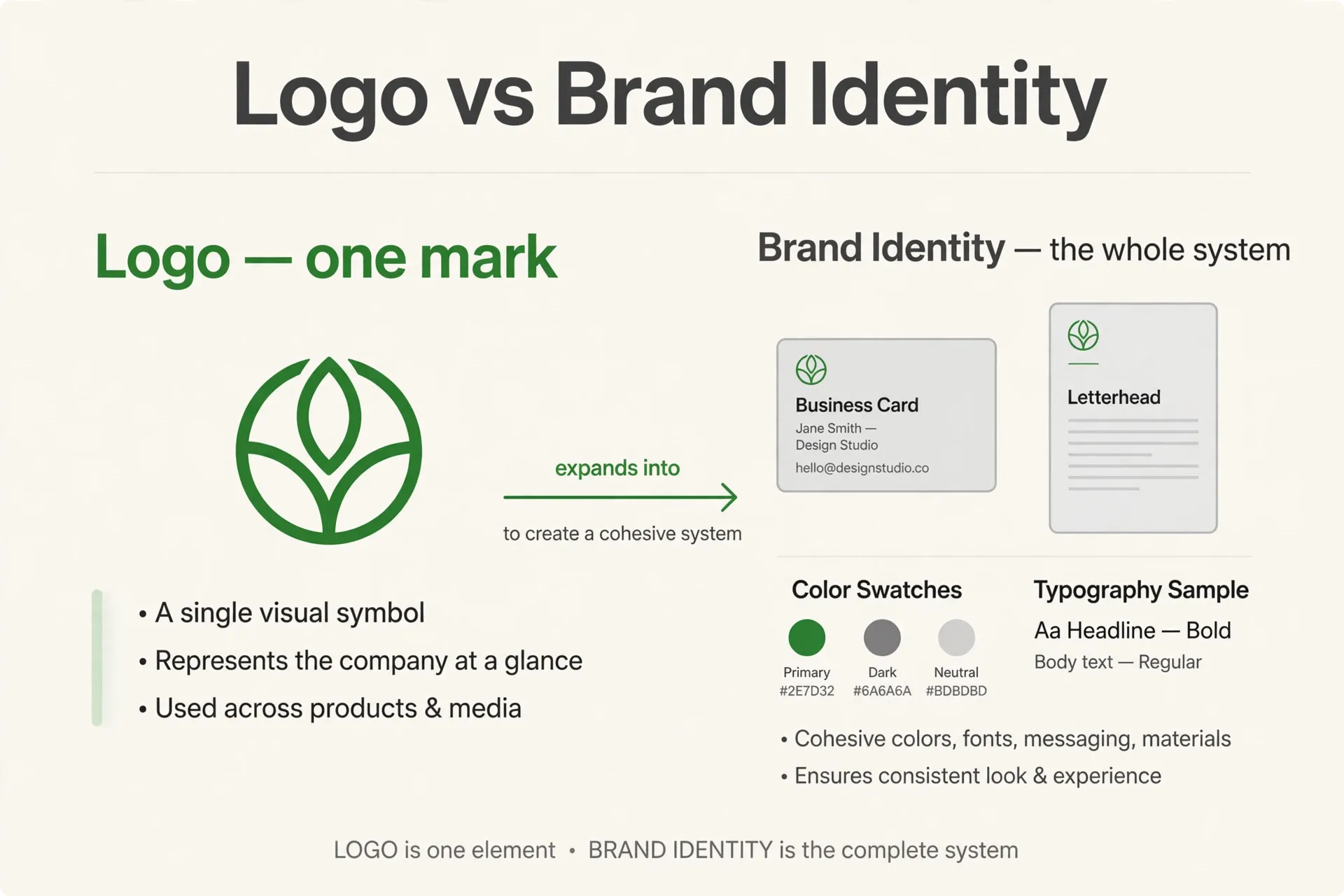
A logo is a mark. It is the symbol, wordmark, or combination of the two that identifies your business at a glance. It answers one question: “Whose is this?” A brand identity is everything that surrounds that mark and gives it a consistent setting — the colors it sits in, the typefaces that speak next to it, the style of photography or illustration around it, and the tone of the words paired with it. The identity answers a bigger question: “What is this business like, and how will people recognize it anywhere?”
Your logo identifies you; your brand identity makes you recognizable everywhere you show up. Think of the logo as a signature. The identity is the handwriting style, the paper, the envelope, and the tone of the letter itself. A signature alone tells a reader very little. A consistent hand, paper, and tone across every letter tells them exactly who is writing before they even read the name.
This distinction matters because most design problems small businesses run into are not logo problems. Owners rarely come to us saying their symbol is wrong. They say their materials look mismatched, their social posts look nothing like their website, or a new brochure looks like it came from a different company. Those are identity problems — missing rules, not a missing mark. A strong logo dropped into a weak system still produces inconsistent materials. A solid system makes even a simple logo look deliberate and established, because every touchpoint reinforces the same impression.
It also matters for how you evaluate brand identity design services. If a provider’s deliverables stop at logo files, you are buying the signature without the system. The sections below describe what a complete identity actually contains, so you can judge any proposal against a clear standard.
What’s Included in a Brand Identity
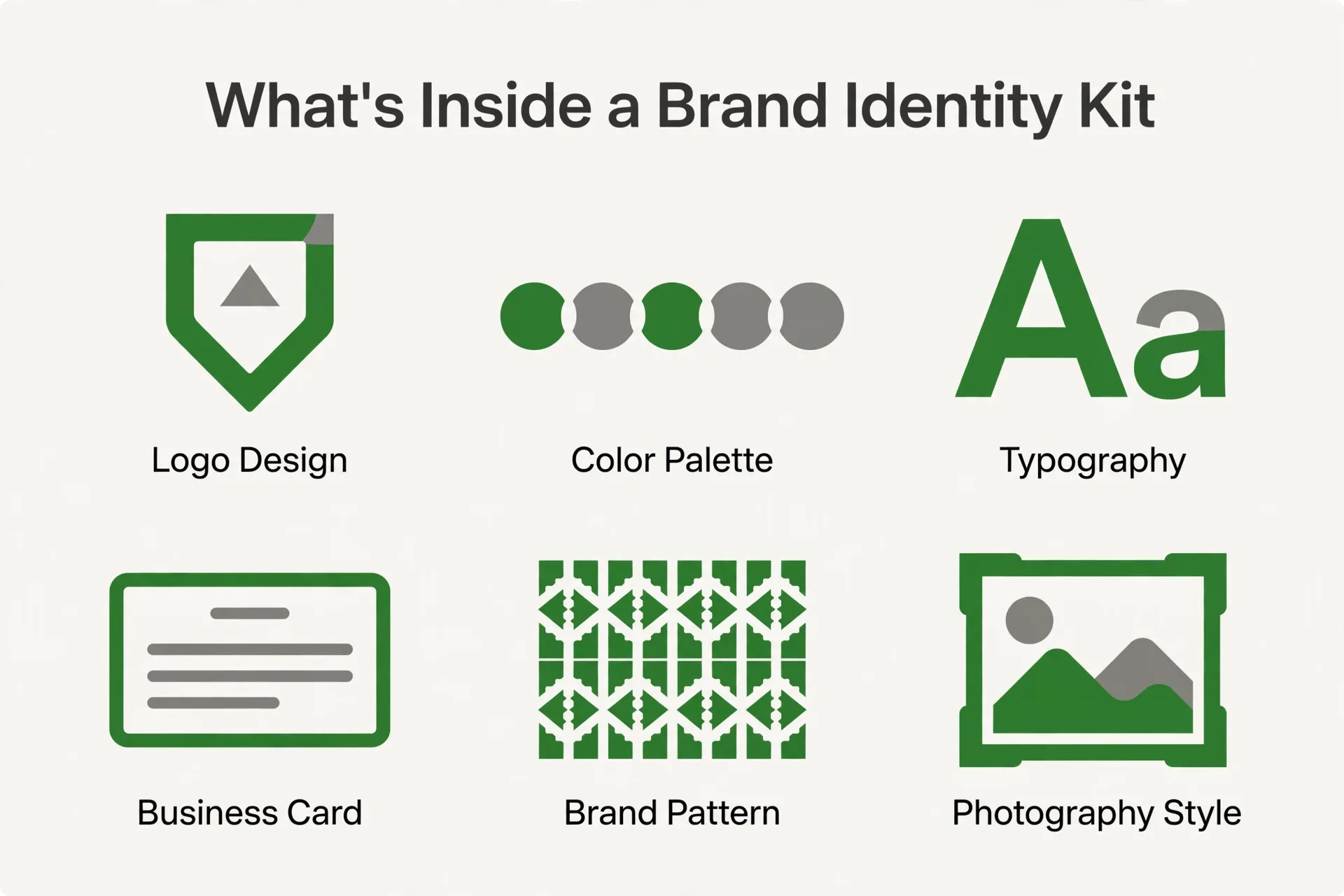
A complete identity is a kit of parts plus the instructions for using them. Here is what that kit normally contains.
Logo suite (primary, secondary, and icon)
A logo suite gives you more than one approved version of your mark. The primary logo is the full version used most often — usually the symbol and business name locked together. The secondary logo is an alternate arrangement, such as a stacked version for square spaces or a horizontal version for website headers. The icon is the standalone symbol, sized for profile pictures, favicons, app icons, and social avatars where the full logo would be unreadable.
The suite also includes reversed versions for dark backgrounds and single-color versions for situations like embroidery, stamps, or single-color printing. Along with the files, you should receive clear-space rules (how much empty space must surround the logo) and minimum-size rules (how small it can go before it stops being legible). Files are typically delivered in vector formats for print and signage, plus web-ready formats for screens. Before a logo is finalized, it is also sensible to check that it does not conflict with existing registered marks — the U.S. Patent and Trademark Office trademark resources explain how trademark searching and registration work, and many businesses have a trademark attorney run a formal search before rollout.
Color palette
The palette defines your primary colors (the ones most associated with your brand), secondary colors (supporting tones for backgrounds and accents), and neutrals. Each color is specified in the formats different channels need: HEX values for screens, RGB for digital documents, and CMYK for print, so the blue on your website matches the blue on your business cards. Good palettes also include usage guidance — roughly how much of each color to use — so one loud accent color does not take over every layout.
Color is also where accessibility enters identity work. Text placed on colored backgrounds needs enough contrast to stay readable for everyone, including people with low vision. The WCAG 2.1 guidance on contrast minimums sets the widely used benchmark: a contrast ratio of at least 4.5:1 for normal text and 3:1 for large text under WCAG AA. A palette built with those minimums in mind means your brand colors can be used for real text — buttons, headlines, signage — not just decoration. If your favorite brand color only works as a background tint, the palette should say so explicitly rather than leaving each designer to discover it.
Typography system
Typography is usually the most visible part of an identity after the logo, because words fill most of every page, post, and document. A typography system specifies a headline typeface, a body typeface, and approved fallback fonts for situations where the brand fonts are unavailable — for example, in office documents or email tools. It also sets a hierarchy: relative sizes and weights for headlines, subheadings, body text, and captions, so every document has the same rhythm.
Legibility rules belong here too: comfortable line length, line spacing, and minimum sizes for print and screen. The W3C’s introduction to web accessibility is a useful reference for why these choices matter — clear, readable type is one of the simplest ways to make materials usable by more people. A good typography system also answers practical questions in advance: what happens in all-caps headlines, how numbers and dates are styled in tables, and which font a team member should use when the brand font is not installed on their machine. Answering those questions once, in writing, prevents a slow drift into whatever font happened to be available.
Imagery and iconography style
This part of the identity defines what pictures look like when they sit next to your logo. For photography, the guidance might cover subject matter, lighting, color treatment, and how candid or staged images should feel. For illustration, it might define line weight, color usage, and level of detail. Iconography gets its own rules: a consistent icon style — same stroke width, same corner treatment, same level of simplicity — so icons for phone, email, location, and services all look like they came from the same family.
Most identities also include example treatments: how photos should be cropped, whether duotone or overlay effects are used, and what to avoid. These examples matter more than abstract descriptions, because “warm and natural” means different things to different people until they see it applied. When imagery style is undocumented, every new photo purchase or illustration commission becomes a fresh judgment decision, and the look of your materials wanders over time.
Brand voice and messaging support
Identity is not only visual. A complete system includes light messaging support: a description of the brand’s tone of voice (for example, plainspoken and practical, or warm and encouraging), a tagline and rules for using it, and a short set of key messages the business repeats across channels. It may include words and phrases to prefer, and ones to avoid.
This does not turn a design project into a full copywriting engagement. It gives the people writing your website, brochures, and social captions a shared reference, so the words sound like the same business the visuals represent. When voice and visuals are developed together, a reader gets one coherent impression instead of polished graphics paired with text that sounds like it came from a different company.
Brand guidelines document
All of the above is gathered into a brand guidelines document — the reference file that explains the system and how to apply it. It is important enough that we give it its own section below. First, here is the whole kit at a glance:
| Identity element | What it covers | Where it gets used |
|---|---|---|
| Logo suite | Primary, secondary, and icon versions; reversed and single-color variants; clear-space and minimum-size rules | Website, signage, social profiles, invoices, packaging, vehicles |
| Color palette | Primary, secondary, accent, and neutral colors with HEX, RGB, and CMYK values plus usage proportions | Web pages, print materials, presentations, interior and exterior signage |
| Typography system | Headline and body typefaces, fallbacks, size hierarchy, spacing and legibility rules | Documents, website, ads, proposals, email, social graphics |
| Imagery and iconography | Photo and illustration direction, icon style, cropping and treatment examples | Website, social media, brochures, ads, blog graphics |
| Brand voice | Tone descriptors, tagline usage, key messages, preferred and avoided wording | Website copy, captions, sales materials, customer communications |
| Guidelines document | The complete rules, examples, and do-and-don’t guidance in one reference | Shared with staff, vendors, printers, and partners |
The Brand Guidelines Document
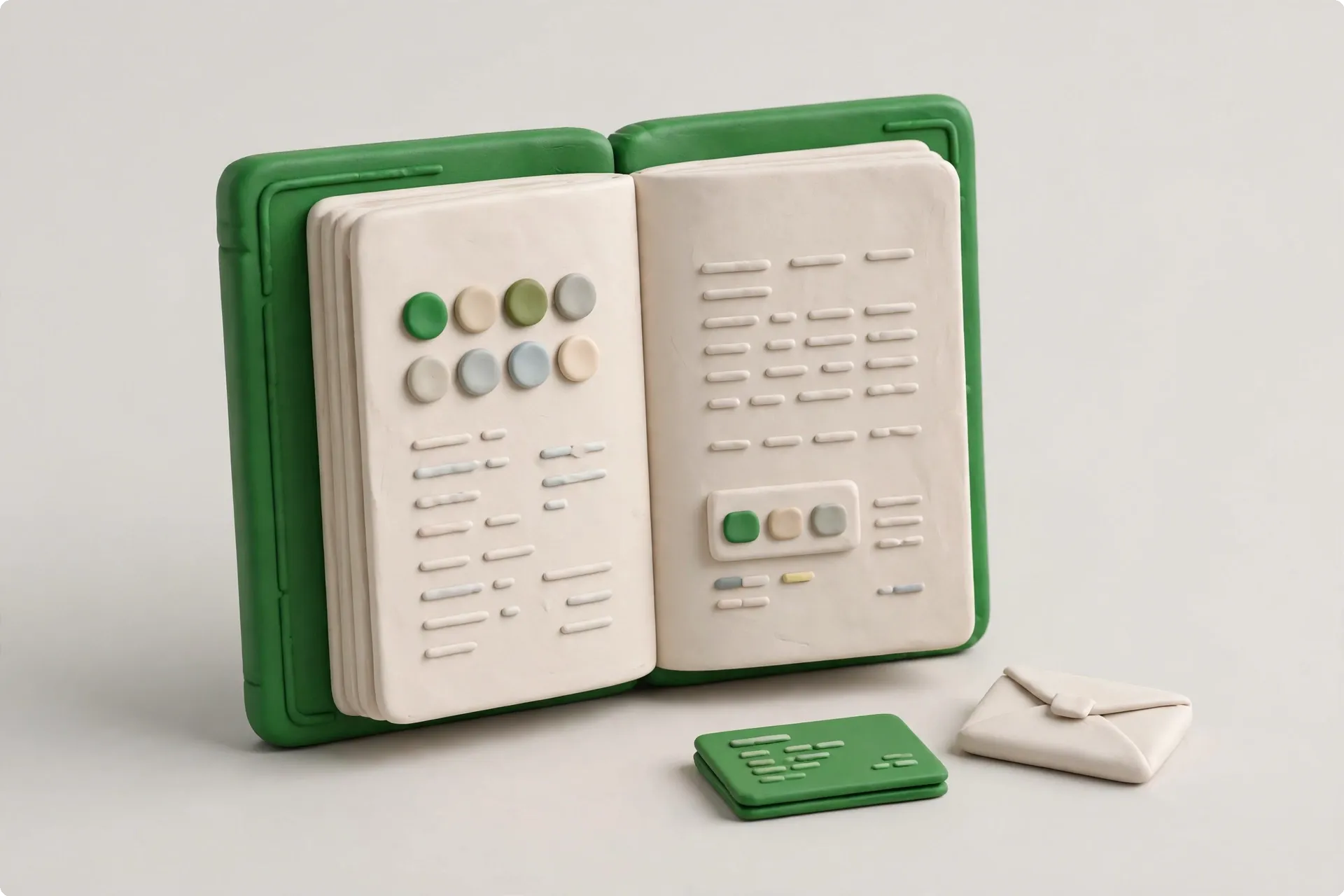
The guidelines document is where an identity becomes usable by people who were not in the room when it was designed. A typical document includes the logo suite with usage rules and examples of misuse to avoid; the full color palette with values for screen and print; typography specimens showing the hierarchy applied to real text; imagery examples showing approved photo and illustration treatments; voice guidance with sample phrases; and application examples that show the system working on real items — a business card, a social post, a web page header, a piece of signage. Many also include a short “quick reference” page at the front with just the logo files, color values, and fonts, for everyday use.
Why does this matter so much? Because consistency is a team sport. The owner who approved the identity will not personally design every flyer, post, and proposal the business produces. Staff members, virtual assistants, printers, web developers, and partner businesses will all create materials at some point. Without a written reference, each of them improvises — and improvisation, repeated over a year, is how a brand quietly falls apart. With a guidelines document, a new hire or an outside vendor can produce on-brand work on their first day, and the owner can point to a specific page when something looks off instead of arguing from personal taste.
Guidelines also protect the identity over time. Businesses add services, open new locations, and redesign websites. A documented system gives each new project a foundation to build on rather than a blank page, so growth extends the brand instead of fragmenting it. We recommend treating the document as a living file: version it, date it, and update it when the identity evolves, so nobody is working from an outdated copy saved on a forgotten drive.
How an Identity Gets Built
Although every project differs in detail, brand identity design services generally follow the same sequence. Knowing the steps helps you provide the right input at the right time and judge whether a provider’s process is thorough.
- Discovery. The process starts with understanding the business: what it sells, who it serves, how customers find it, and what competitors’ materials look like at a category level. Owners should expect questions about their customers, their goals for the next few years, and what they like or dislike about their current materials. Honest answers here shape everything that follows.
- Strategy. Discovery turns into direction: how the business should be positioned and perceived, who the identity must appeal to, and what it needs to communicate at a glance. This step produces a written creative brief or direction document that design decisions can be measured against, so feedback later is about fit rather than taste.
- Design system development. Designers explore concepts for the logo and then build the winning direction out into a full system — palette, typography, imagery style, and voice notes. Seeing the identity applied to realistic examples (a homepage mockup, a social post, a printed piece) matters more at this stage than seeing a logo on a blank page, because context is where systems succeed or fail.
- Guidelines and file delivery. Once the system is approved, it is documented in the brand guidelines and the full file package is prepared: logo files in print and screen formats, font information, color references, and templates where included. Everything is organized and named clearly so a non-designer can find the right file.
- Rollout. The identity is applied across touchpoints, usually starting with the highest-visibility items: website, signage, social profiles, and core sales materials. Older materials are replaced in a sensible order rather than all at once, and the guidelines help any vendor involved match the new system.
Your main responsibilities as the owner are to give clear input during discovery, give consolidated feedback at each approval point (one decision-maker helps enormously), and plan rollout so customers see a coherent change rather than a confusing mix of old and new.
Signs Your Identity Is Working Against You
Not sure whether your current identity needs attention? These are the symptoms we see most often.
Inconsistency across materials. Your website, proposals, and social posts look like they come from different businesses. Colors shift between print and screen, several fonts appear interchangeably, and the logo is stretched, recolored, or placed on clashing backgrounds. Each item looks acceptable alone, but together they dilute recognition — customers have to work harder to connect each touchpoint back to you.
A dated or borrowed look. Styles move on. An identity built around the trends of many years ago can make a well-run business look behind the times before a customer reads a single word. A related problem is the template look: materials assembled from generic stock graphics that resemble dozens of other businesses, so nothing about the presentation is ownable or memorable.
It cannot scale across channels. A logo designed only for a storefront sign may be unreadable as a social avatar. A palette with one dark color and no neutrals struggles on a website. An identity created when the business had one offering may have no room for new services, a second location, or products that need packaging. If every new channel requires inventing new design decisions, the system is too thin.
Nobody can describe the brand. Ask three team members what your business’s colors and tone are. If you get three different answers, the identity exists only in fragments. The practical effect shows up as slow production (every piece starts from scratch), uneven quality, and materials you hesitate to hand out.
Any one of these is fixable on its own. Several together usually mean the business has outgrown a logo-only approach, and a proper identity — with rules, files, and guidelines — is the more durable fix.
Further Reading
- Graphic Design Services for Small Business — the full picture of design support, from identity to everyday marketing materials.
- Logo Design for Small Business — how the logo itself is designed, delivered, and put to work.
- Marketing Collateral Design — applying your identity to flyers, brochures, and decks that support sales.
Put Your Identity to Work
If your materials have drifted apart — or you are starting from a logo and a folder of good intentions — a documented brand identity gives every future design decision a head start. We build identities as complete systems: logo suite, palette, typography, imagery direction, voice notes, and guidelines your team can actually use. Tell us where your business is headed, and we will outline what an identity project would include for you.
Get in touch with the KKeyQik team to start the conversation.
Frequently Asked Questions
A logo is the symbol or wordmark that identifies your business. A brand identity is the complete system around it: the logo suite, color palette, typography, imagery style, and tone of voice, all documented in guidelines. The logo says whose material it is; the identity makes everything you produce look and sound like the same business.
Brand guidelines document how to use your identity correctly. They typically cover logo versions and misuse examples, color values for screen and print, typography hierarchy, imagery and icon style, voice and messaging notes, and sample applications such as business cards and social posts. Anyone creating materials for your business can follow them and produce consistent work.
A well-built identity is designed to serve for years, because it is based on your positioning and customers rather than short-lived design trends. Most businesses update individual applications, such as websites or templates, far more often than the core identity. A review makes sense when your offers, audience, or market position change significantly.
A refresh keeps the recognizable core of your identity and modernizes its execution: cleaner logo files, updated colors or fonts, and clearer guidelines. A rebrand is a deeper change, often including a new name, logo, or positioning, usually after a merger, a major shift in audience, or a reputation change. Many small businesses need a refresh rather than starting over.
A documented identity gives every location the same logo files, colors, fonts, imagery style, and templates, plus guidelines explaining how to use them. Local teams can update their own details, such as address and hours, inside approved layouts instead of designing from scratch. That structure keeps each location recognizably part of the same business.
You receive the full logo suite in print-ready vector formats and web-ready formats for screens, including reversed and single-color versions. The delivery also includes color references, typography information, any templates included in the project scope, and the brand guidelines document. Files are organized and clearly named so non-designers can find what they need.
Yes. Applying an identity to an existing website usually means updating the logo files, color palette, typography, imagery treatment, and button and graphic styles to match the new system. The site's structure and content can often stay in place while the visual layer is brought in line, which gives customers a consistent experience without rebuilding everything.
A logo alone can work for a very early business with few materials. Once you have a website, social channels, printed pieces, and more than one person creating content, a logo by itself stops being enough, because nothing defines colors, fonts, or imagery. A basic identity system at that stage prevents inconsistency that becomes much harder to correct later.
Gather your current logo files and materials, examples of designs you like and dislike, and a clear description of your customers and what makes your business different. Notes on where the business is heading, such as new services or locations, also help. One decision-maker who can give consolidated feedback keeps the project moving smoothly.
Yes, and it should be able to. A good identity is built with flexibility in mind: secondary colors, layout patterns, and imagery rules that can extend to new services, locations, or product lines. When the guidelines are documented, future updates build on the existing system instead of starting over, so recognition you have already earned carries forward.